You choose the users
A workspace owner chooses exactly which colleagues and Teams transcripts WireSync should process.

 WireSyncPowered by Crown Datalytics
WireSync Trust Centre
WireSync is built for transparent post-meeting work. See the verified controls included in the service and the choices your organisation confirms during setup.
A workspace owner chooses exactly which colleagues and Teams transcripts WireSync should process.
WireSync starts after Microsoft publishes a selected Teams transcript, keeping the familiar meeting experience without adding another participant to the call.
WireSync keeps every organisation's records, results, audit evidence and usage in its own workspace.
Connect and enable Dynamics 365, To Do, Outlook, Calendar and SharePoint separately.
Uncertain CRM matches, owners, dates, prices and compliance items arrive in Review with the original source.
Your Microsoft administrator can remove WireSync permissions for your organisation.
Plain-language data flow
Your Microsoft administrator grants the permissions needed for the features your organisation chooses.
The workspace owner chooses users and connected tools. Personal To Do and Calendar access stays separate for each member.
WireSync receives a published Teams transcript or transcript text, a file or a recording you add after sign-in.
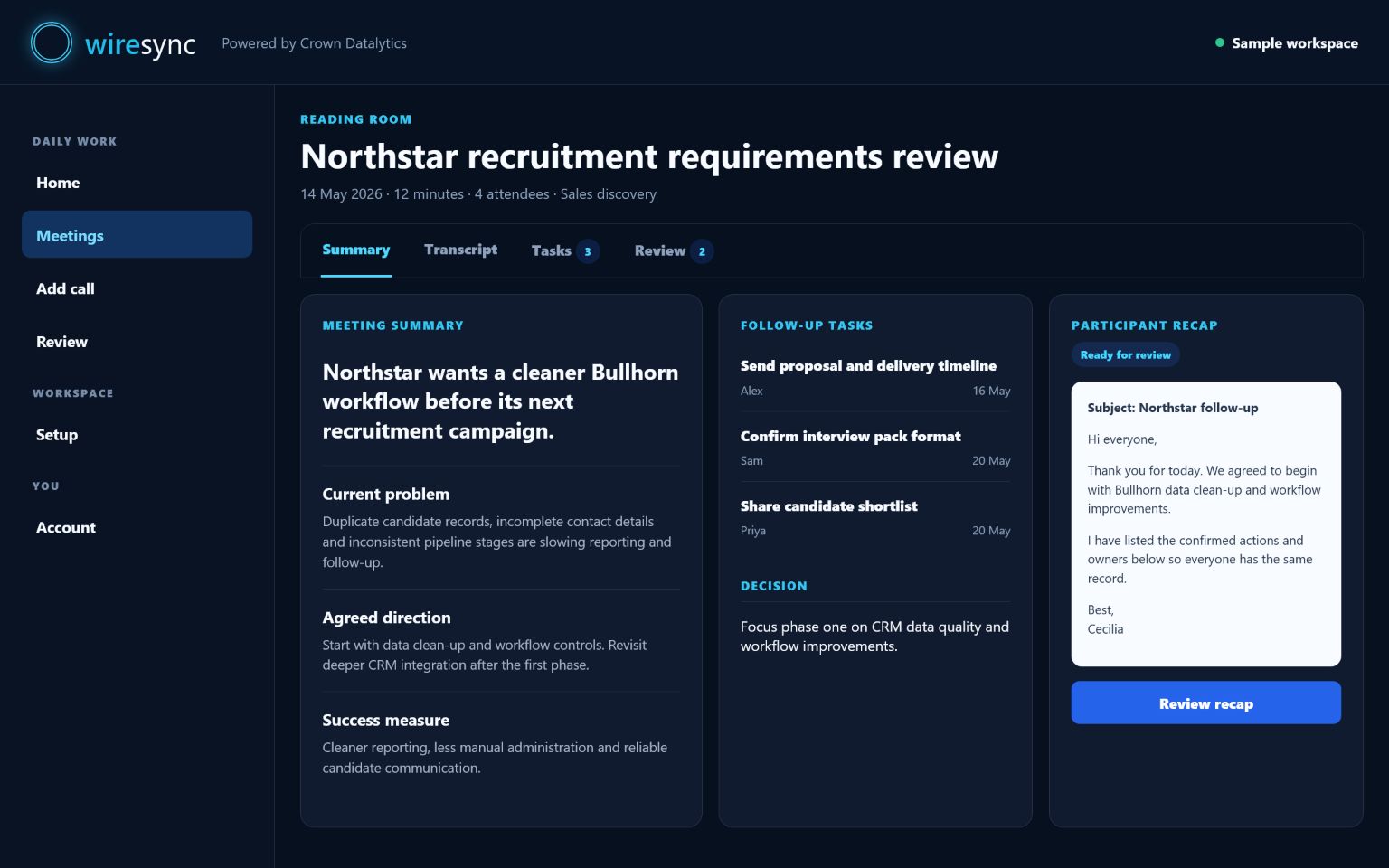
Cecilia creates meeting notes, individual actions, recommendations and drafts for your connected tools.
WireSync checks identity, the original source, the connection and your approval choices, then moves approved work forward and sends anything uncertain to Review.
WireSync marks an update sent or synced only after the connected service confirms the action.
Permissions and AI
Company consent lets WireSync verify your organisation and process meetings for the colleagues you choose. Each connection explains the next administrator or member step before access is granted.
Joining a workspace verifies membership only. A member connects their own To Do or Calendar separately when they want approved follow-up delivered there.
A Dynamics administrator adds the WireSync application user and assigns limited access. Once connected, WireSync reads supported existing records and attaches approved Notes after the connection and permission checks pass. Your team remains in control of creating and editing the business record itself.
Relevant meeting content may be sent to the OpenAI service selected for your WireSync setup. WireSync keeps each organisation's content in its own separate records.
Transcript and recording uploads happen inside the authenticated workspace. Your organisation must own the source or have permission to process it.
WireSync starts after Microsoft publishes a selected transcript for a colleague your owner has chosen, then brings the meeting follow-up into the protected workspace.
Services, location and lifecycle
Microsoft provides Azure hosting, Microsoft 365 connectivity and the Microsoft tools you enable. OpenAI provides the selected AI processing and recording transcription. Connected CRM and storage services receive only the content needed for that action.
Your customer pack supplied during onboarding lists the complete subprocessor schedule for your service.
Core WireSync processing and dedicated database resources run in Microsoft Azure UK South. Website delivery and connected Microsoft, OpenAI, CRM or storage services may process relevant data in their own service locations.
Your current customer pack confirms the locations and transfer terms that apply to your configuration.
Customers can remove meetings from their working view and manage uploaded knowledge through the workspace. Your customer agreement sets the retention schedule for meeting content, backups, audit, security, legal and billing records.
The schedule in your signed customer agreement applies to your WireSync setup.
During onboarding, your customer pack confirms the DPA wording, controller and processor roles, subprocessors, deletion duties and international transfer terms for your WireSync setup.
Security questions and incidents
For security questions, suspected misuse or an incident involving WireSync, contact info@crowndatalytics.com. Include your organisation, the affected workspace and a safe description of the issue. Do not send passwords, access tokens, private keys or sensitive meeting content by email.
WireSync publishes clear security information. Your signed customer pack confirms the security, privacy and contractual terms for your setup.