Meet in Teams
Your team keeps booking and running meetings normally.

 WireSyncPowered by Crown Datalytics
How it works
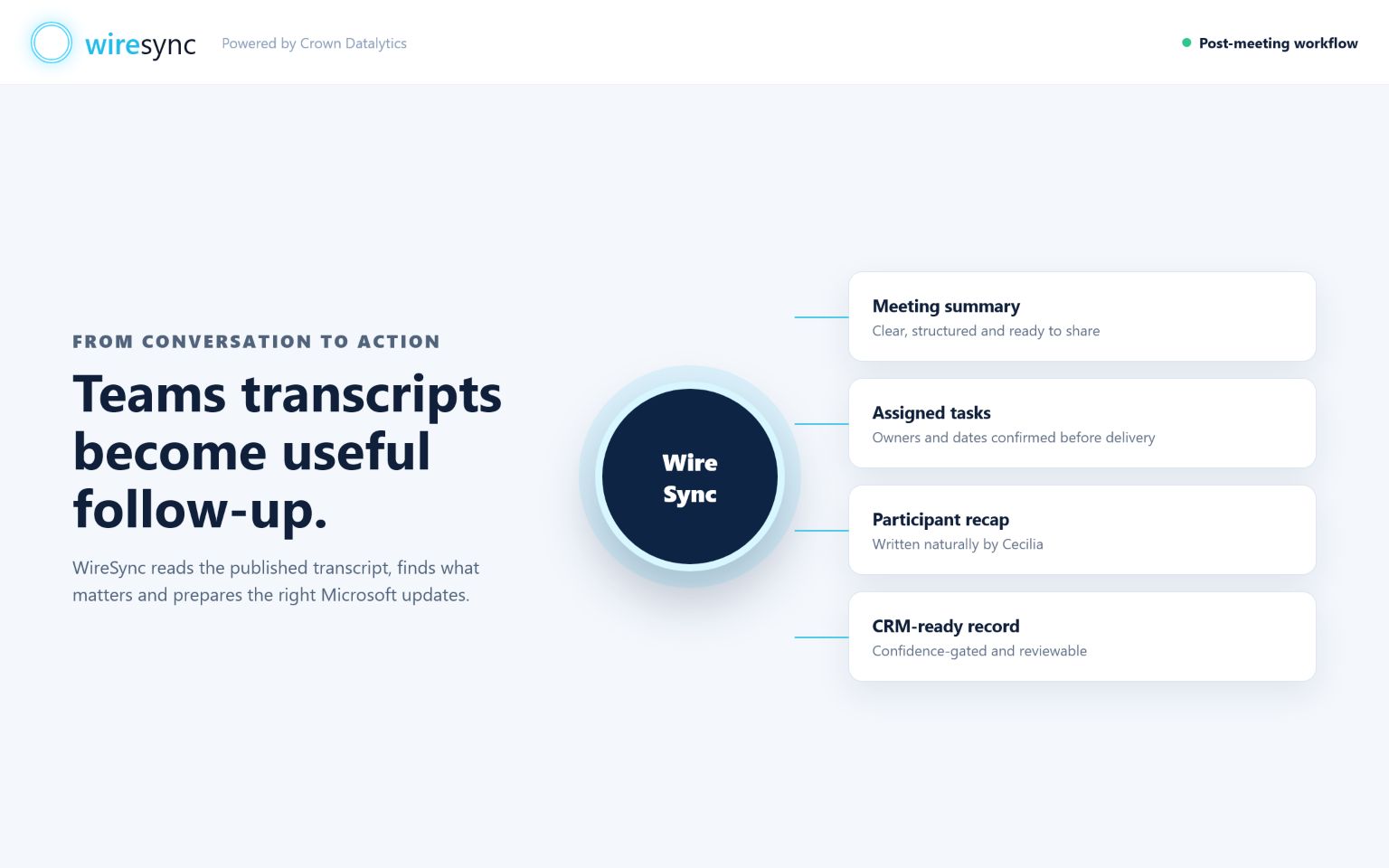
WireSync starts when Microsoft publishes a selected Teams transcript. Cecilia brings together the meeting context, chooses the output style that fits the conversation and prepares approved follow-up for the Microsoft tools your team uses.
Your team keeps booking and running meetings normally.
For automatic Teams follow-up, switch on transcription so WireSync can collect Microsoft's published transcript.
WireSync brings together the owner, attendees, duration, word count and transcript for the colleagues you choose.
When connected, Dynamics 365 and meeting history help Cecilia link the result to the right customer and conversation.
The result adapts to sales, task capture, delivery, advisory, incident or audit calls.
Approved results can reach connected Dynamics 365, To Do, Outlook and Calendar tools after the final checks pass. SharePoint records stay ready for Review until a connected save is confirmed.
Add a meeting your way
Every route creates a saved meeting record, then follows the Review and delivery choices set for each connected tool. Add manual files inside your signed-in workspace, where sensitive meeting content stays within your account.
For selected users, WireSync waits for Microsoft to publish the transcript, then retrieves the meeting record and starts processing.
Paste text or upload TXT, MD, VTT or SRT under 2 MB. Check the title, choose a preferred output style and create the meeting record.
Eligible plans accept MP3, MP4, MPEG, MPGA, M4A, WAV and WebM. MP3 files can be up to 60 MB; every other supported format can be up to 24 MB.
Your organisation remains responsible for meeting notices, consent and permission to upload the source.
The workspace shows whether an upload is stored, being transcribed, being processed or needs attention.
Choose grouped work or individual tasks, then resolve every unclear owner, date, CRM match or item waiting to reach a connected tool in Review.
Deleting a meeting removes it through the signed-in WireSync account flow. Some audit, legal or billing records can have different retention duties, which are confirmed in the current customer agreement.
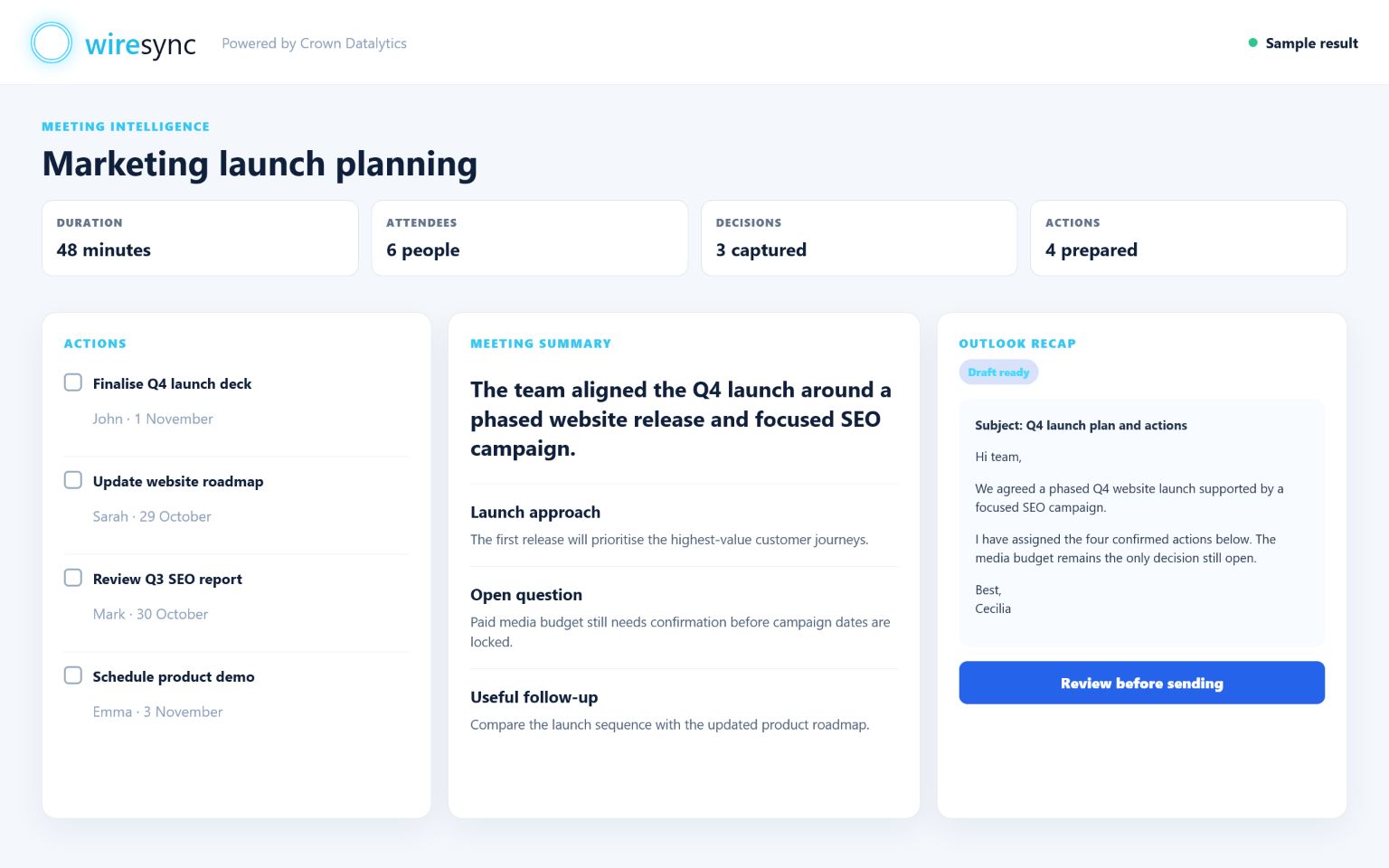
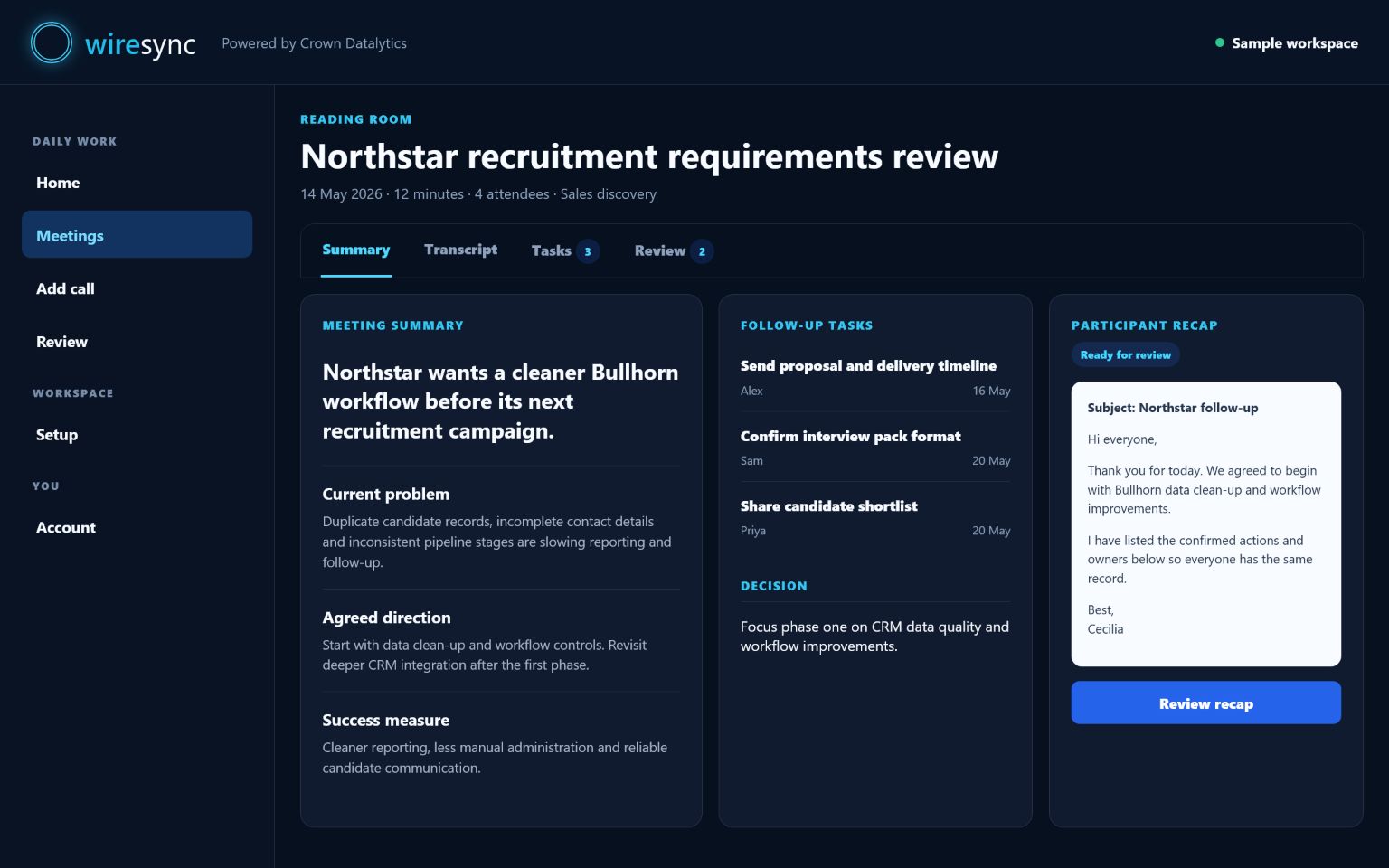
Illustrative product walkthrough
These original WireSync visuals use fictional meetings to show how each summary, action and follow-up takes shape before your team approves it.